Chat-style translation with group mode — send one message, get it in 25+ languages. A built-in AI model runs on your own computer, so it works offline and your text never leaves your machine.
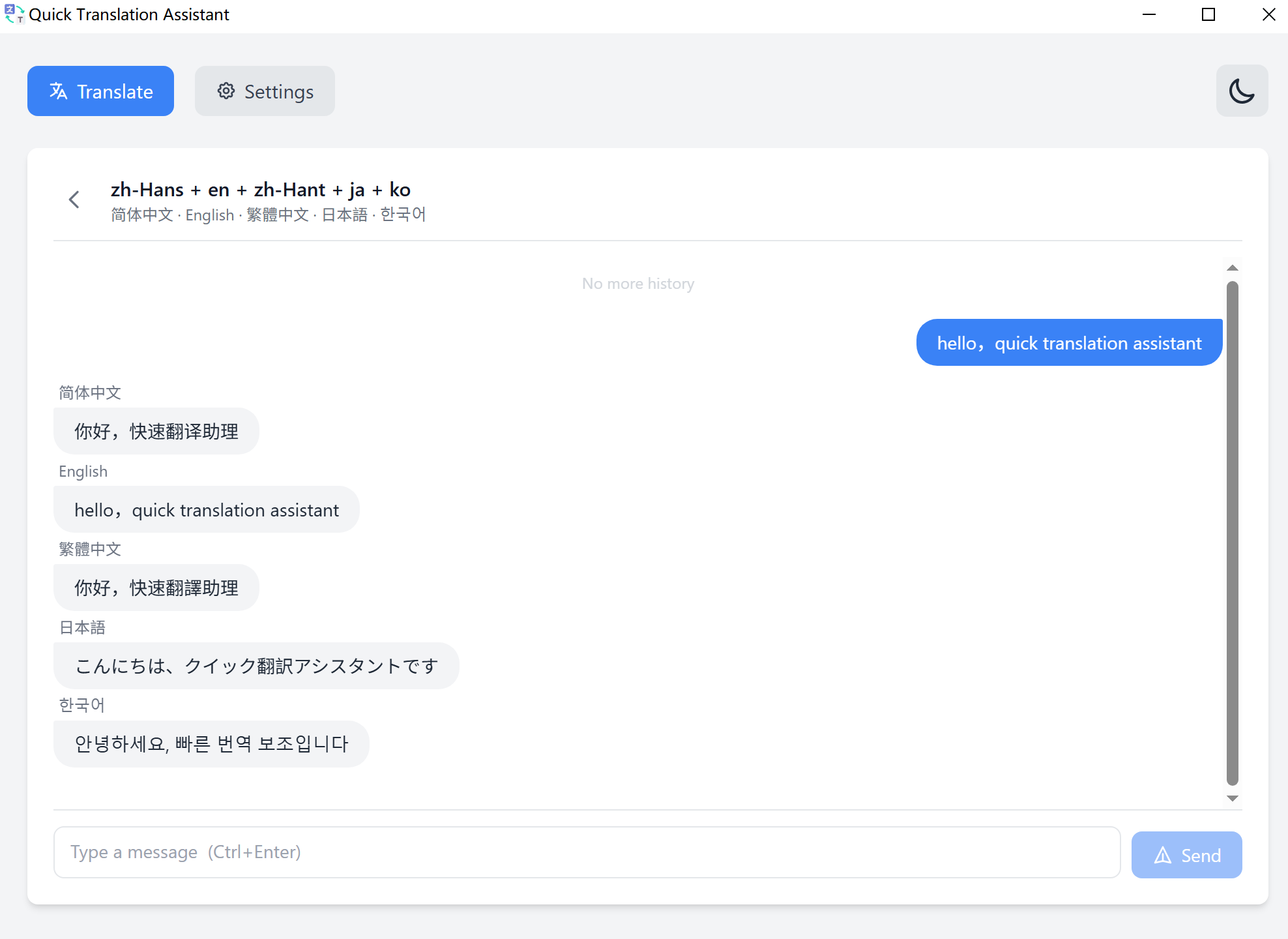
Forget the old input/output panel. AI Translation Chat works like a chat app — natural, fast, and built for real conversations.
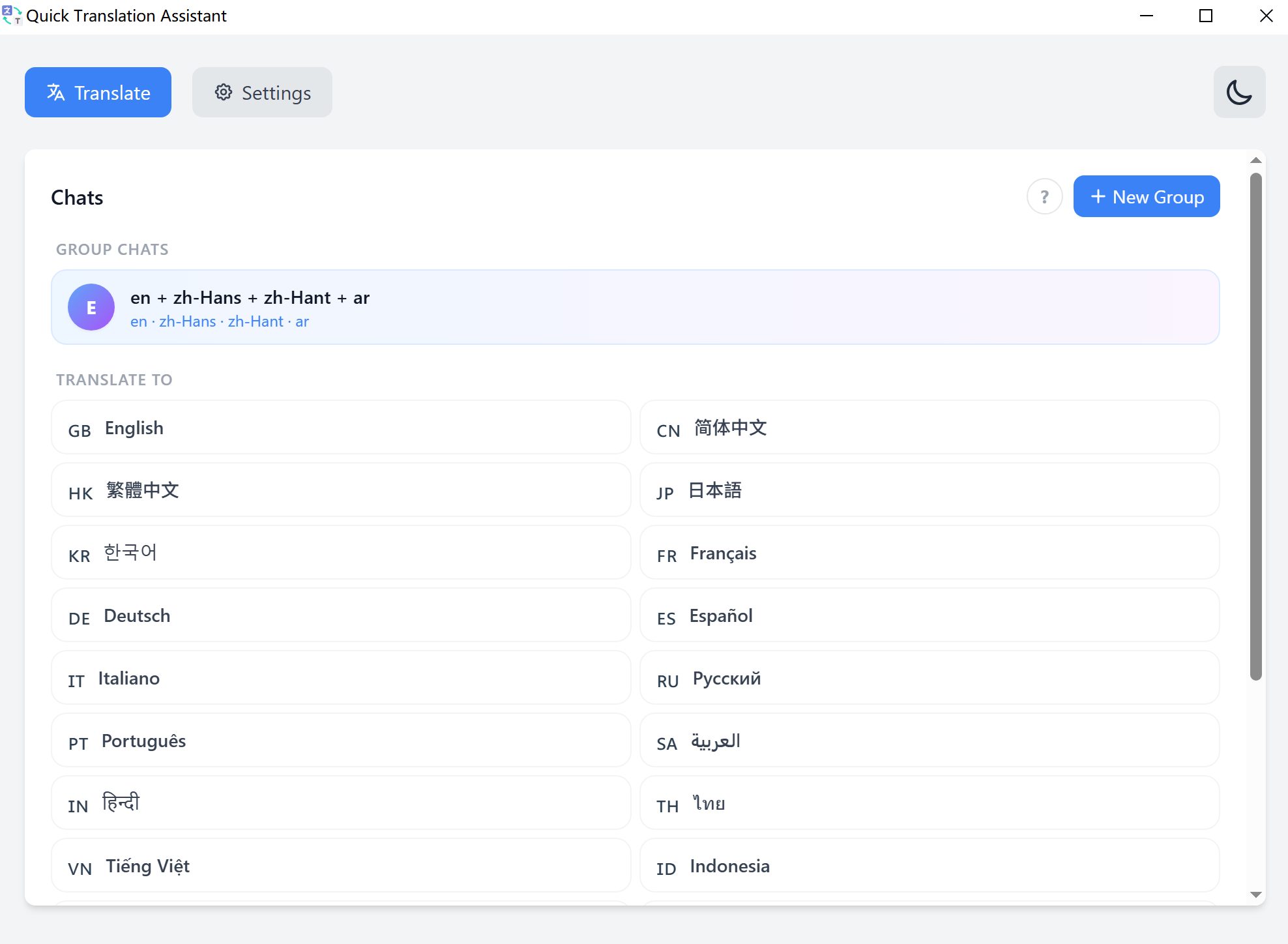
Pick a target language and start typing. Each message is translated and displayed as a chat bubble — full context, full history.
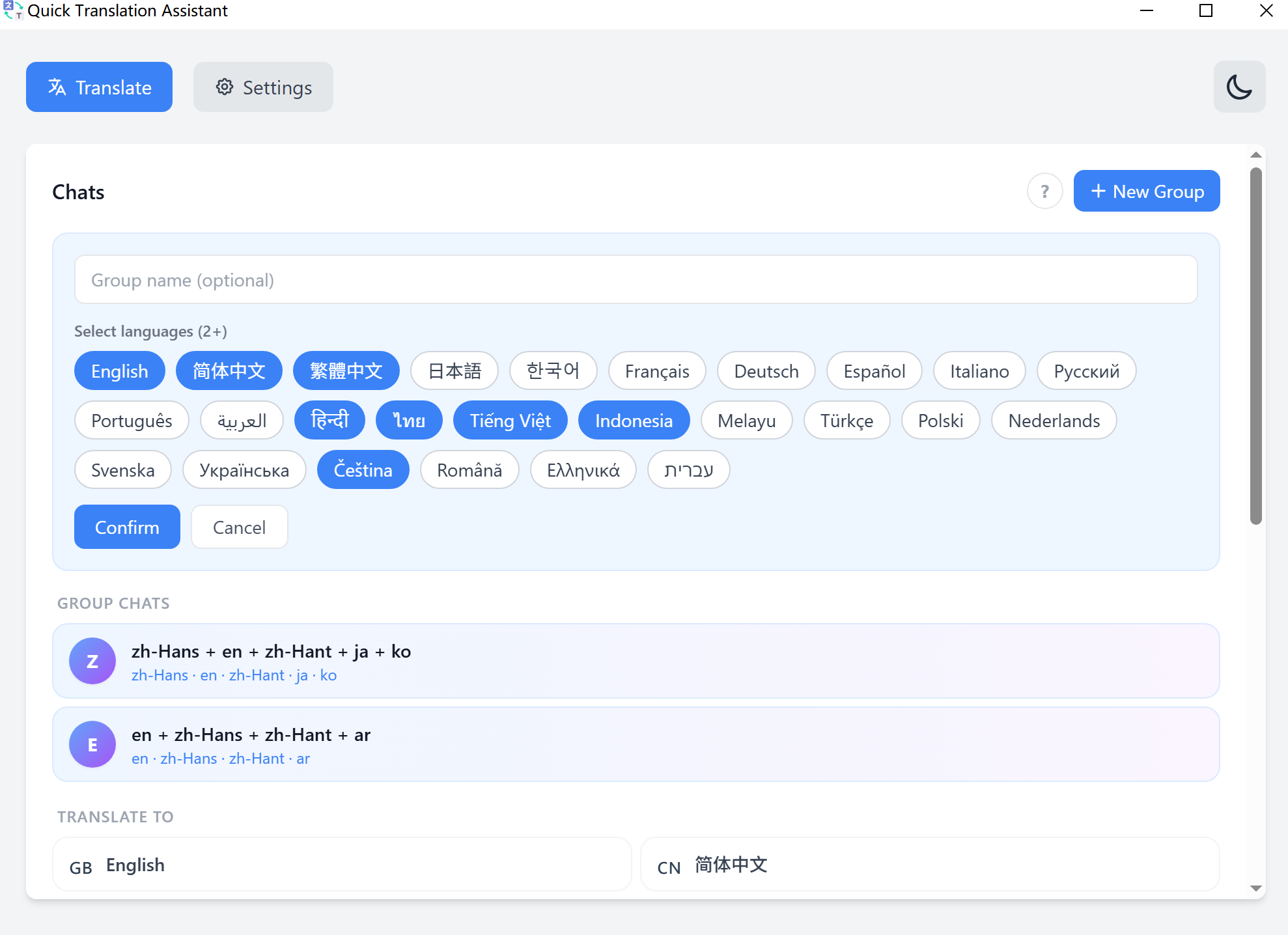
Create a group with 2–10 target languages. One message triggers parallel translations — all streamed in real time, side by side.
Select any combination of languages, name your group, and start translating. Every message you send gets delivered to all languages simultaneously.
Send once and each translation fills in as it lands — no re-typing the same sentence for every language.
Your group channels and translation history are saved locally and restored on next launch.
Group translation runs on the built-in model, so a whole channel keeps working with no connection and no API bill.
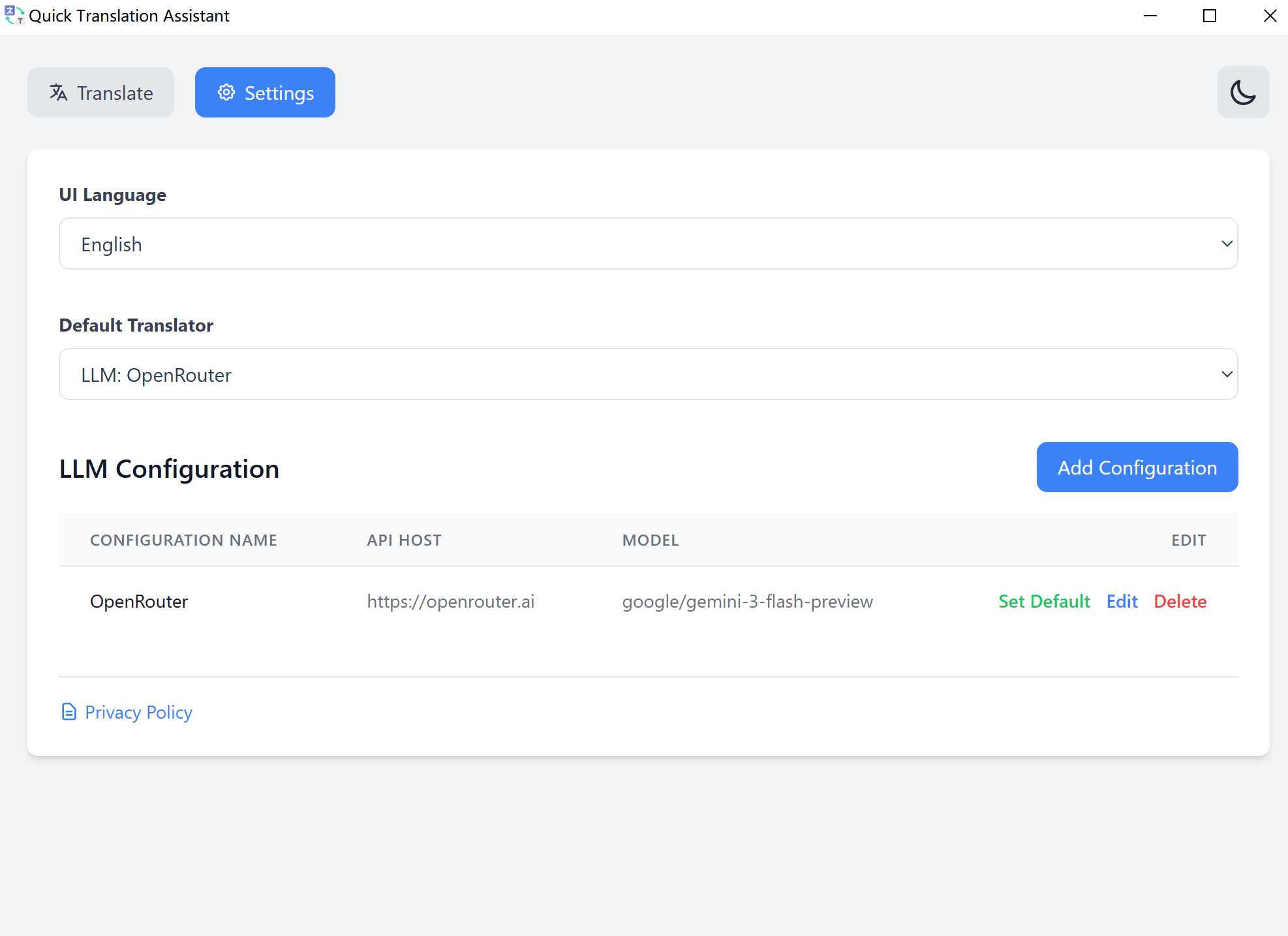
The bundled model handles everything on its own. If you would rather use a cloud model, connect any OpenAI-compatible API — that part is entirely optional.
An open-source translation model from Tencent, built for translation rather than general chat. Pick one of three sizes to match your hardware.
Works with OpenRouter, Together AI, Groq, Ollama and anything using the standard chat completions format. Save several and switch per session.
API translations stream token by token — no waiting for the full response before you can start reading.
Free to use. No account required. Your data stays on your machine.
Windows 10 (17763.0+) · Available exclusively on the Microsoft Store · Requires internet for translation services